The best wedding QR code for photos, according to real couples
Ask a wedding planning forum which QR code photo service to use and you'll get 68 opinions. We read them all so you don't have to — here's what actually matters when choosing a QR code for wedding photos, and how to avoid the mistakes couples only discover on the day.
Free forever • No app for guests • Unlimited photos & videos
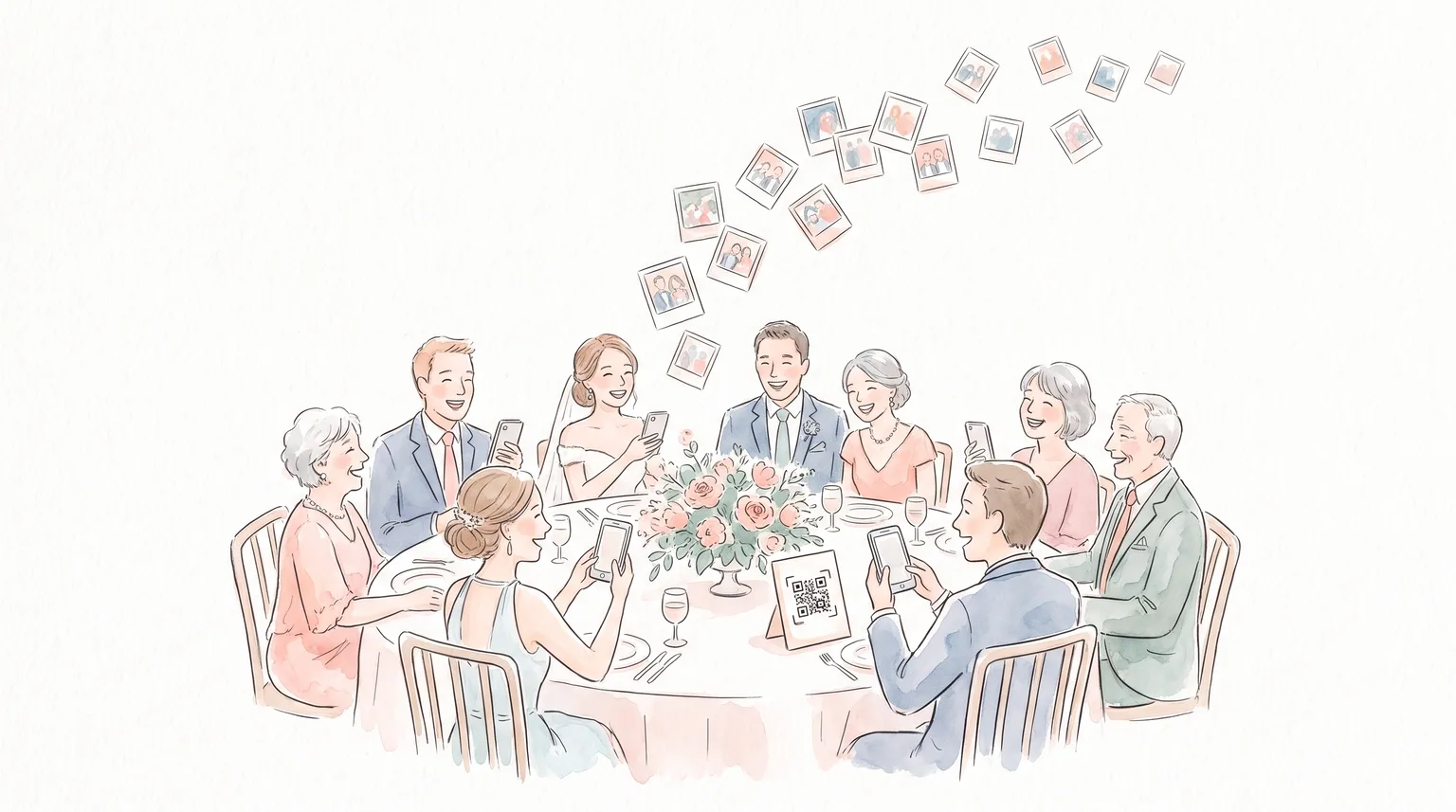
Every couple hits the same question a few months out
A few months before the big day, nearly every couple lands on the same to-do item: set up a wedding QR code for photos so guests can share everything they capture. And nearly every couple then asks the same question — which service do I actually trust?
In one widely-read r/weddingplanning thread, a bride explained she'd been ready to sign up for a popular guest-photo service — until the company's own website glitched on her repeatedly. If the sign-up page can't stay up, she reasoned, what happens on the wedding day? She asked the community what they'd actually used, and dozens of married couples answered.
Their answers are more useful than any vendor listicle, because they come from people who already ran the experiment — with real guests, real grandparents, and real reception-day chaos. Here's what they learned.
Lesson 1: A wedding QR code for photos can be completely free
The top-voted advice: don't assume you have to pay
The most upvoted answer in the thread wasn't a paid app at all. It was a couple who pointed a QR code at a shared Google Photos album and spent exactly zero dollars. It worked — they collected plenty of photos, including from older relatives — and several other couples chimed in that they'd done the same.
But the thread also surfaced the catch. The original poster almost skipped the free route because Google's own messaging suggested every guest would need a Google account to upload. That turned out to be wrong — only the host needs one — but the confusion itself is the problem. If a bride researching options can't tell whether guests need an account, guests standing at a reception table with a glass of champagne definitely can't. Uncertainty kills participation.
Why couples go free
- • Weddings are expensive enough — $0 is a feature
- • Google Photos albums are familiar to many guests
- • Uploads work without a guest account (host needs one)
Where the free DIY route bites
- • Guests think they need a Google account and give up
- • No wedding gallery, slideshow, or one-click download
- • Shared albums get messy with hundreds of photos
The good news: free vs. easy is a false choice. Knipsmig gives you a wedding QR code for photos free — unlimited photos, videos, and guests — with none of the account confusion. Guests scan and upload in their browser, no Google account, no app, no password. See how it compares to a Google Photos shared album in detail.
Lesson 2: The grandma test decides everything

If one theme dominated the thread, it was this: your wedding QR code is only as good as its least tech-savvy user. The bride who started the discussion estimated that 60–70% of her guest list wasn't comfortable with technology. Her fear wasn't features or pricing — it was guests getting impatient at the first login screen and simply not bothering.
Other commenters had turned that fear into a method. One planner testing services for a 50th high-school reunion handed each candidate app to her 75-year-old husband and watched over his shoulder. One popular service produced five separate screenshots of places he got stuck — instantly disqualified. Another commenter rejected two well-known apps the same way before finding one their 68- and 75-year-old relatives could handle.
That's the grandma test, and you should run it before your wedding: send your QR code to your oldest relative, say nothing, and watch what happens. If they can get a photo from their camera roll into your album without calling you, you've found your service.
It's also exactly what Knipsmig is optimized for. Scanning the QR code for photos at your wedding opens a plain browser page with one obvious button. No app store, no account creation, no password recovery, nothing to get stuck on. Couples regularly tell us their 80-year-old relatives uploaded photos unassisted.
Lesson 3: Six things couples wished they'd checked first
The fine print that only shows up after the wedding
Upload speed on the day
One bride's only complaint about her chosen service: multiple guests told her uploads crawled during the reception. Slow uploads mean abandoned uploads.
Expiration dates
Several services quietly expire your album after weeks or cap when guests can contribute. One couple specifically praised still browsing their photos long after the wedding.
Photo and guest caps
Some apps charge by guest count or cap total uploads. One couple paid for a 75-guest tier at a 100-person wedding and hoped for the best. Check the limits before you print the QR code.
Reliability signals
The whole thread started because a vendor's website kept glitching during sign-up. Trust that instinct: if the site struggles when you're browsing, don't bet your wedding on it.
A trial run
The savviest couples tested their QR code at the bridal shower or rehearsal dinner first. One even built per-table albums into a photo scavenger hunt at the reception.
Who's recommending it
Forum moderators removed multiple vendor self-promotions from the thread. Weight advice from couples who actually used a service over anyone selling one — this page included: test us free before trusting us.
Lesson 4: What the paid apps actually offer

Couples in the thread name-dropped close to a dozen paid services, typically running $39–$99 per event. The genuinely loved features fell into three buckets: disposable-camera-style apps that give each guest a limited number of shots and reveal everything the next morning (a fun surprise, but you pay per guest and lose the unlimited candids), flat-fee gallery services with multiple albums per event, and QR upload galleries — the same core thing a free tool does.
The pattern across every recommendation: nobody praised a service for having more features. They praised services for being reliable, for working for elderly guests, and for not expiring. The features couples actually used — QR upload, shared gallery, slideshow, download-everything — are exactly the ones Knipsmig includes free.
Want the name-by-name breakdown with 2026 pricing? See our best wedding photo sharing apps comparison.
Your three real options, side by side
Every recommendation in the thread boils down to one of these
| What couples care about | Google Photos album | Typical paid app | Knipsmig |
|---|---|---|---|
| Cost | Free | $39–$99 per event | Free |
| Passes the grandma test | Account confusion | Varies — test first | Scan, tap, upload |
| Photo / guest limits | Storage quota | Caps & per-guest tiers | Unlimited |
| Videos included | Often a paid tier | Up to 1GB per file | |
| Live reception slideshow | Sometimes | Built in, free | |
| Album expiration | None | Weeks to months | 30 days free, $29 once to keep forever |
| One-click download of everything | Clunky | Sometimes paid | Full-resolution ZIP |
Setting up a QR code for photos at your wedding
Ten seconds of setup, then run the grandma test
Create your album and get the QR code
Create your event on Knipsmig — no account needed — and your QR code for wedding photos is generated instantly, ready to download as PNG or SVG. Style it to match your wedding colors with the free QR Stylist.
Test it on your least techy relative
Before printing anything, send the code to a parent or grandparent and watch them upload a photo. Then trial it for real at your shower or rehearsal dinner — exactly what the most prepared couples in the thread did.
Print it everywhere guests pause
Table cards, welcome sign, bar, program. Have the DJ mention it once during dinner. Photos land in your shared gallery in real time — put the live slideshow on a screen and watch participation snowball.
Takes 10 seconds • No credit card • No account needed
Wedding QR code questions couples actually ask
What is the best wedding QR code for photos?
The one your least tech-savvy guest can use without help. Couples who've run the experiment consistently recommend services with no app download and no account requirement, tested beforehand on an elderly relative. Knipsmig is built around exactly that: guests scan and upload in the browser, free, with unlimited photos and videos.
Is there a truly free wedding QR code for photos?
Yes — two of them. A QR code pointed at a shared Google Photos album costs nothing but confuses guests about accounts. Knipsmig is also free — unlimited photos, videos, and guests for 30 days, with a gallery, live slideshow, and ZIP download included. Keep everything forever with a one-time $29 upgrade.
Do guests need an app or account to upload?
With Knipsmig, no. Guests point their camera at the QR code and upload straight from Safari or Chrome. This is the single biggest factor couples flag: every extra step — app store, sign-up form, password — loses a chunk of your guest list, especially older relatives.
How do I get a QR code for photos at my wedding?
Create a free event on Knipsmig — the QR code is generated instantly. Download it, print it on table cards and signs, and you're done. Full walkthrough in our wedding photo QR code tutorial.
What about the disposable-camera-style apps?
Couples genuinely enjoy the next-morning reveal, but you pay per guest, each guest gets a limited number of shots, and elderly guests struggle with the app install. If you love the delayed-reveal idea, you can simply not check your Knipsmig gallery until the morning after — for free. See our POV Camera comparison.
How do I test my wedding photo QR code beforehand?
Run the grandma test: send the QR code to your oldest relative with no instructions and watch them try to upload a photo. Then use the same event (or a throwaway one) at your bridal shower or rehearsal dinner. Since Knipsmig is free with unlimited events, testing costs you nothing.
More wedding photo resources
Keep researching before you print those table cards
Skip the 68-comment research spiral
Free, unlimited, and simple enough for every grandparent on your guest list. Create your wedding QR code and run the grandma test today.
Instant setup • No credit card • Free forever