Everything you need to collect event photos
Simple, powerful features designed to make photo sharing effortless at any event
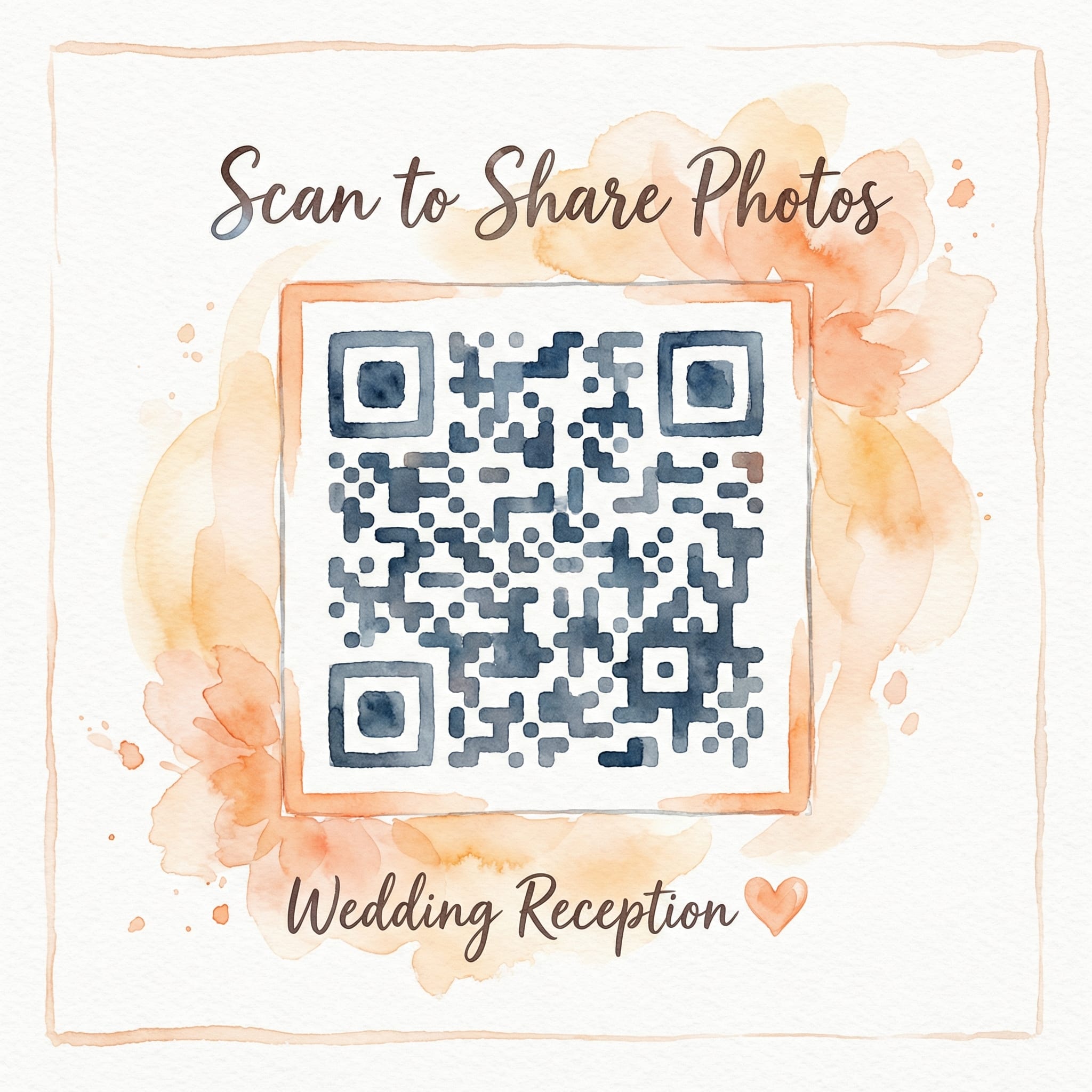
QR code sharing
Generate a custom QR code for your event that guests can scan with their phone camera. No app downloads, no sign-ups, no friction.
- Instant access with any phone camera
- Print QR codes for tables and signs
- Share via text, email, or social media
Real-time updates
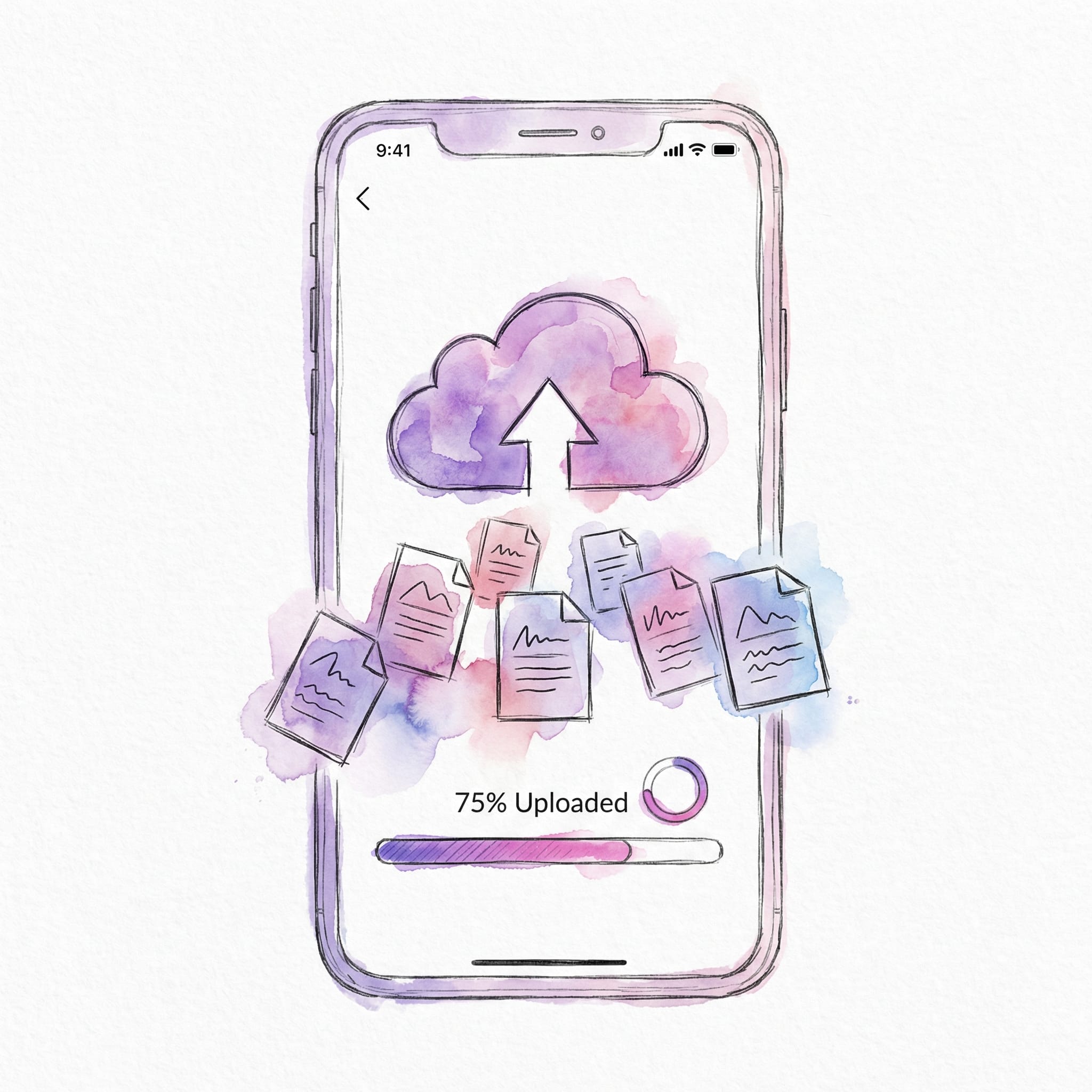
Watch photos appear instantly as guests upload them. Everyone sees the same view, updated in real-time without refreshing.
- Photos appear within seconds of upload
- No page refresh needed
- See the event unfold live
Unlimited uploads
Share as many photos and videos as you want. No caps, no restrictions, no hidden fees. Just unlimited memories.
- Unlimited photos per event
- Support for videos up to 5GB each
- Unlimited guests can contribute
No app required
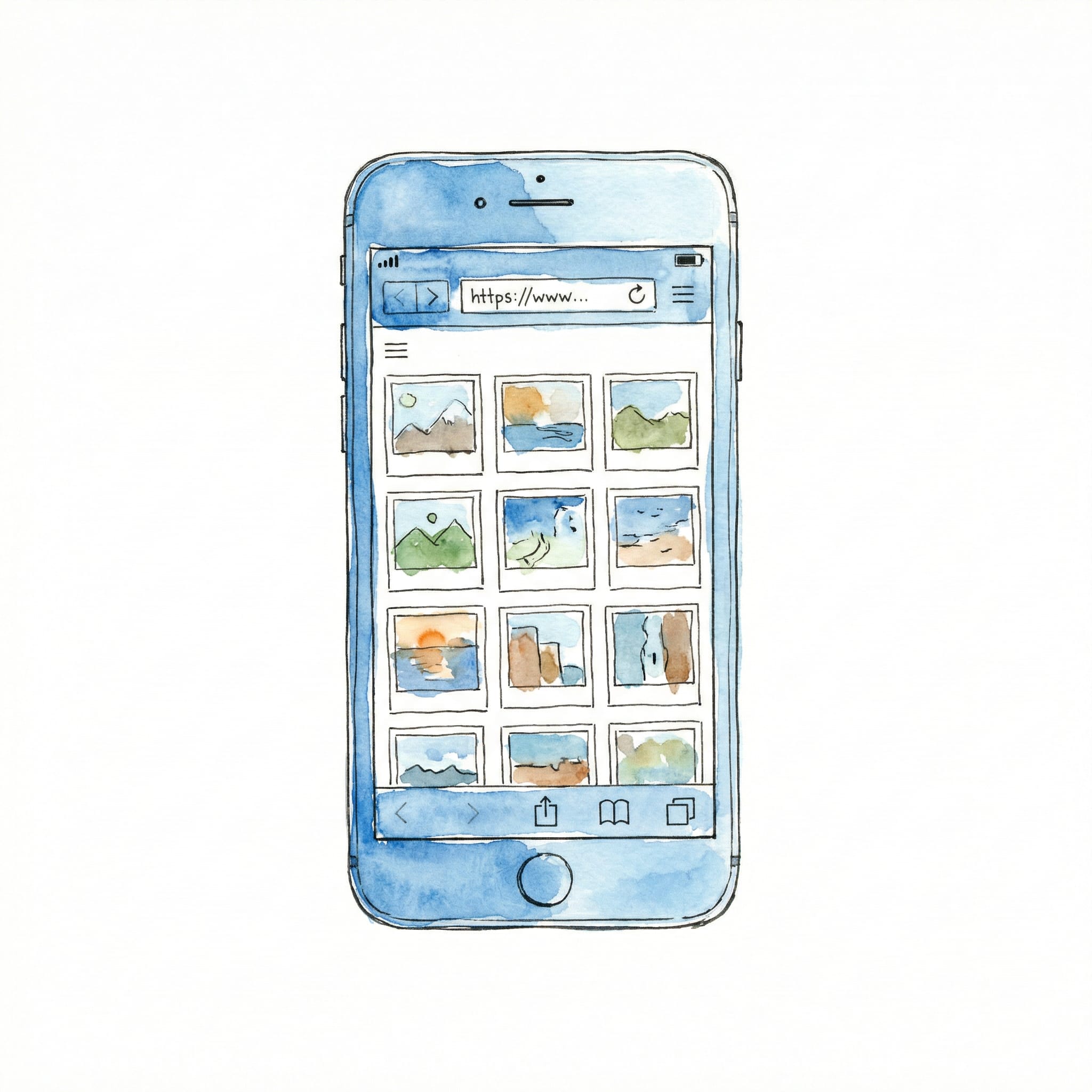
Works perfectly in any web browser. Your guests don't need to download anything or create accounts. Just scan and share.
- Works on iPhone, Android, and all devices
- No app store visits required
- Lower barrier to participation
One-click downloads
Download all photos and videos as a zip file with a single click. Get full-quality originals, perfectly organized. Guests can also download all event photos as a ZIP for a small fee.
- Download all media at once
- Full quality, no compression
- Organized and ready to share
- Guest downloads available — no account needed

Private & secure
Your photos stay private. Only people with your unique event link can access and upload photos. No public galleries, no surprises.
- Unique, unguessable URLs for each event
- Not indexed by search engines
- Your data, your control
Built-in photo booth mode
Turn any iPhone or iPad into a selfie station. Guests tap a button, strike a pose with a 3-second countdown, and the photo uploads automatically. No rental, no extra equipment.
- Full-screen selfie camera with countdown
- Auto-uploads to your event album instantly
- No app download, works right in the browser
- Skip the $500+ photo booth rental

Display language
Automatic
Subir fotos
Spanish guest view
Guest language support
Welcome guests in their own language. Knipsmig can automatically match each guest's browser language, or you can choose one display language for the whole event.
- Localized guest album, slideshow, and photo booth
- Automatic browser-language detection when available
- Choose from 14 supported guest languages
Share the work with co-hosts
Planning a wedding or big party is a team effort. Invite trusted helpers by email to manage photos alongside you — they can upload, approve and delete, without touching your event settings.
- Invite anyone by email — no account needed to accept
- Helpers upload, approve and remove photos
- Event settings stay yours — revoke access anytime
Collaborators
Help manage photos
- maria@example.com Accepted
- james@example.com Pending
Voice guestbook
Messages from your guests
-
1:24
Grandma Ruth
-
0:47
The Andersens
"We are so happy for you both…"
Voice guestbook
Photos show how it looked — voices capture how it felt. Guests tap a button, record a spoken message right in the browser, and it lands in your gallery next to their photos. Like an audio guestbook, without the vintage phone rental.
- Guests record up to 3 minutes — no app, no account
- Every message is automatically transcribed so you can read along
- Listen in the gallery, download to keep, turn it off anytime
- Included with Keepsake and Unlimited plans
More ways to make it yours
Smart extras that keep sharing simple for you and every guest.
Lightbox viewer
Browse photos in a beautiful full-screen viewer with smooth transitions and easy navigation.
Private event links
Each event gets a unique, hard-to-guess link so only invited guests can upload and view photos.
Custom QR designs
Style your QR codes to match your event theme. Choose colors, add logos, make them yours.
Event themes
Choose from beautiful color themes like Rose garden, Midnight, or Ocean to give your gallery, slideshow and photo booth a personal touch.
Save your event later
Create first, sign in later. Save your event anytime and keep managing it from your account.
Email notifications
Get notified when new photos are uploaded. Stay connected even when you're not watching.
Video support
Share videos up to 5GB. Capture the moving moments, not just the still ones.
Multiple languages
Localize guest-facing pages in 14 languages, with automatic browser-language matching or one host-selected language.
Slideshow mode
Display photos on a big screen during your event. Perfect for receptions and parties.
Owner dashboard
Manage uploads, launch slideshows, and download your full event collection from one clean dashboard.
Duplicate detection
Automatically find and remove duplicate photos uploaded by multiple guests. Keep your event gallery clean.
Guest access control
Choose what guests can do — view and upload, view only, or upload only. Keep full control over how your event is shared.
Automatic retention
Events are stored for 30 days free. Extend storage or keep events forever with a one-time fee.
Printable materials
Download ready-to-print PDFs with your event QR code. Table tents, posters, flyers, and stylish cards — all included free.
Collage builder
Arrange your favorite photos into beautiful collages. Completely free, no account needed — just drag, drop, and download.
Ready to get started?
Create your first event in seconds. No credit card required.