Step-by-step tutorial
Create a wedding
photo QR code with
2 free tools
QR Stylist for a custom-designed code, or Knipsmig for a complete photo gallery — follow along step by step and pick the right tool for your wedding.
Free forever • No app downloads • Works on every phone
Two ways to create a wedding photo QR code
You can design a custom QR code that links anywhere, or use a complete photo-sharing solution. Both are free
Option 1: QR Stylist
Design a gorgeous QR code that links to any URL - Google Photos, Dropbox, your own website, whatever you like.
- Free, browser-based tool
- Customize colors, styles, add logo
- Download PNG, SVG, or PDF
Option 2: Knipsmig
The whole package: QR code + upload page + live gallery + bulk download. Zero setup for your guests.
- QR code created automatically
- Guests upload directly, no account
- Real-time gallery, bulk download
Create a custom QR code with QR Stylist
Already have a Google Photos album or Dropbox folder? Use our free QR Stylist to make a beautiful QR code that links wherever you want.

Set up your destination
First, create where you want photos to go:
Shared album, "anyone with link" access
File request folder
Shared album (iPhone users)
Form or upload page
Open QR Stylist
Go to our free QR Stylist tool. Runs entirely in your browser - no account, no download, no nonsense.
Paste your URL
Drop in the sharing link from Google Photos, Dropbox, or wherever. The QR code updates instantly as you type.
Make it match your wedding
This is the fun part! QR Stylist lets you:
- Pick colors and gradients to match your wedding palette
- Choose dot patterns (rounded, classy, dots)
- Style the corner eyes (square, rounded, dots)
- Drop your wedding logo or monogram right in the center
Try "Shuffle Design" for instant inspiration!
Download and print
Grab your QR code as PNG (for digital), SVG (for crisp printing at any size), or PDF (print-ready). Pop it onto table cards, signs, and programs!
Ready to design your QR code?
Open QR Stylist (Free)Complete solution with Knipsmig
Skip the setup hassle. QR code, upload page, live gallery, bulk download - all in one. Guests scan and upload. You get every photo. No accounts needed.
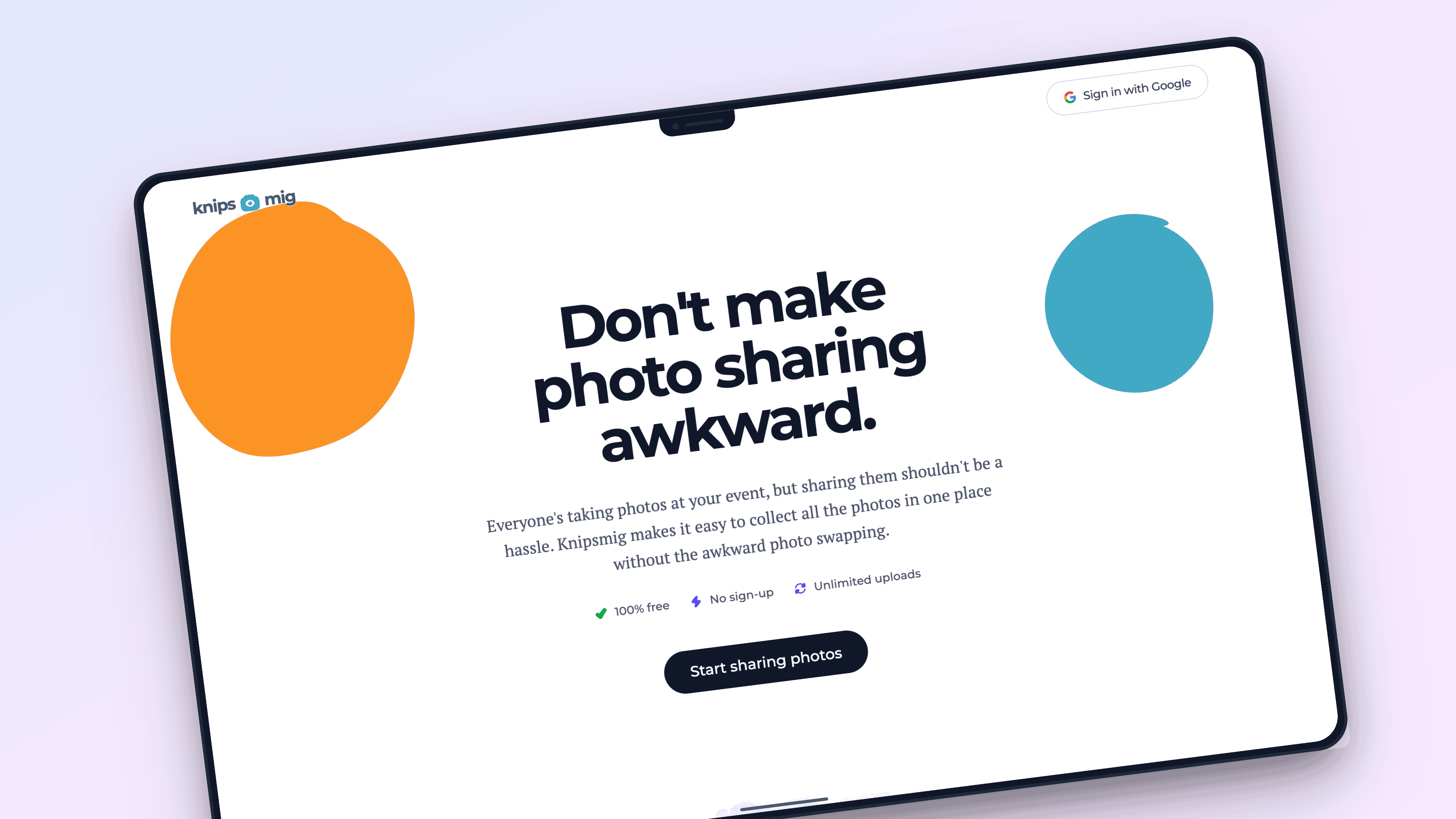
Create your wedding event (30 seconds)
Click "Create Event" - done. No account needed. You instantly get:
Download printable materials
Knipsmig generates print-ready table tents, posters, and signs with your QR code. Just print and place at your venue.
Put them on every table, near the bar, and at the entrance
Guests scan and upload
At your wedding, guests point their phone camera at the QR code. They're taken straight to an upload page - no app, no sign-up, no friction. Select photos, tap upload, that's it!
Photos appear in real-time
Watch photos stream in during your reception! Display the live gallery on a TV or check your phone to see candid moments as they happen. It's like magic.
Download everything
After your wedding, grab all photos with one click. Full-resolution ZIP file - no watermarks, no per-photo fees, no surprises.
Ready for the complete solution?
Free forever • Unlimited photos • No account required
Quick comparison
Both tools are free - here's how they differ
| Feature | QR Stylist | Knipsmig |
|---|---|---|
| Custom QR code design | ||
| Works with any URL | Own URL only | |
| Built-in photo gallery | ||
| No-app guest uploads | Depends on URL | |
| Real-time photo stream | ||
| Printable table tents/signs | ||
| Bulk photo download | ||
| Price | Free | Free |
TL;DR: Use QR Stylist if you already have a photo destination set up. Use Knipsmig for a complete, hassle-free solution.
Wedding photo QR code sign wording you can copy
Tell guests what the code does before asking them to scan it. Add your actual event QR code and short gallery link to one of these messages, then print a test copy.
For a reception table
Share your wedding photos
We would love to see the day through your eyes. Scan the QR code, choose your photos or videos, and tap upload. No app or sign-up needed.
For an unplugged ceremony
Phones away now, memories together later
Please keep phones away during the ceremony. At the reception, scan this code to share your celebration photos with us.
Put the short gallery link below the QR code for anyone who cannot scan it. Use the public gallery link intended for guests. Keep your owner dashboard link off printed signs.
For placement inspiration, read our creative QR code display ideas. For the product overview, see wedding QR code photo sharing.
QR code design and printing tips
Get the details right so every guest can scan
Place on every table
The more visible the QR code, the more photos you'll get. Table cards are perfect - guests can scan while seated between courses.
Add clear instructions
"Scan to share your photos!" is all you need. Keep it simple so guests know exactly what to do.
Have the MC announce it
A quick mention during the reception ("Don't forget to share your photos!") drives participation way up.
Print large enough
QR codes should be at least 1 inch (2.5cm) to scan reliably. Bigger is always better for signage.
Match your wedding colors
With QR Stylist, customize colors to match your theme. A blush pink QR code looks way better than generic black!
Test before printing
Always scan your QR code with multiple phones before sending it to the printer. Better safe than sorry!
Wedding photo QR code questions
What is the difference between QR Stylist and Knipsmig?
QR Stylist designs a QR code for a URL you provide; it does not host the photos. Knipsmig creates an event gallery and a QR code that opens it, so guests can upload photos and videos without an app or guest account.
Can I make a wedding photo QR code for free?
Yes. Knipsmig includes a QR code, a shared gallery, and unlimited guest uploads for free. Storage lasts 30 days from the event date or creation date, whichever is later. Keep one event online forever with the optional $29 Keepsake upgrade.
What should a wedding photo QR code sign say?
Use a clear heading such as 'Share your wedding photos', followed by 'Scan the QR code, choose your photos or videos, and tap upload. No app or sign-up needed.' Print your event's short gallery link below the code as a backup.
What size should a printed wedding QR code be?
Start with a code about 2 inches (5 cm) wide on a table sign, and make it larger for signs viewed from farther away. Leave a clear border, use strong contrast, and test the actual printed sign with more than one phone at the intended distance.
Can I change the QR code destination after printing?
A QR Stylist code contains the URL you entered, so changing that destination requires a new code. A Knipsmig event keeps the same gallery link while the event is available. Renaming it does not require a new QR code, but free storage still has an expiry date.
How do I test the sign before the wedding?
Scan the printed code with an iPhone and an Android phone, open the link as a guest, and upload a test photo. Check that it arrives in the correct gallery, then test the venue's Wi-Fi or mobile signal. Share the public gallery link with guests, not the owner dashboard.
More wedding resources
Explore more guides and tools for your big day
Don't miss a single moment
Two free tools, one goal: collect every guest photo from your big day.
Both tools are 100% free • No sign-up required