QR code photo sharing for events, free and no app
One QR code for your event. Guests scan it with their phone camera and upload photos and videos straight into your private gallery. Nothing to install, no account to create, no shared folder to police.
Unlimited uploads • iPhone and Android • Photos and videos • Full resolution
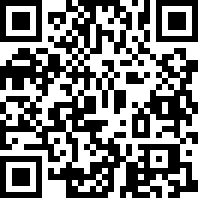
Scan it, it is a real event
Upload a photo and see exactly what your guests get.
knipsmig.com/DGBpnyQf
How QR code photo sharing works
From a blank event to a gallery full of guest photos in four steps. The first one takes about ten seconds.
Create the event
Give it a name and a date. You get a private gallery, a QR code, and a short link straight away.
Download the QR code
SVG or PNG, ready to print. Add your colours and a logo so it fits the invitations instead of looking like a parking sign.
Put it where guests look
Table cards, the welcome sign, the invitation, a slide on the screen. Anywhere a phone will be pointed at it.
Photos arrive as they happen
Guests scan, pick, upload. The gallery fills up during the event, and you download everything in one click afterwards.
Three taps, no app
Point the camera
The normal camera app spots the code and shows a link. No scanner app needed.
Pick photos and videos
A web page opens with one big upload button. Guests choose from their camera roll or shoot new ones.
Done
Full resolution, straight into your gallery. Nothing installed, no permissions pop-ups, no account.
A QR code for photo sharing, compared with the usual workarounds
You can make a QR code that points at a Google Photos album or a WhatsApp group. Here is what changes when the code opens a dedicated upload page instead.
| Knipsmig QR code | Google Photos or Drive link | WhatsApp group | AirDrop | |
|---|---|---|---|---|
| Guests need | A phone camera | A Google account, usually the app | WhatsApp and a spot in the group | An iPhone, standing next to you |
| Photo quality | Full resolution | Full resolution | Compressed unless sent as a file | Full resolution |
| Videos | Yes, same gallery | Yes | Compressed and size-capped | Yes, one at a time |
| Who sees what | You decide: upload only, or view and upload | Everyone with the link sees everything | Everyone in the group sees everything | Only whoever the sender picks |
| Getting it all afterwards | One download, one zip | Select all, if the album lets you | Save one by one from the chat | Already scattered across phones |
Want the longer version? Read how to collect guest photos at any event.
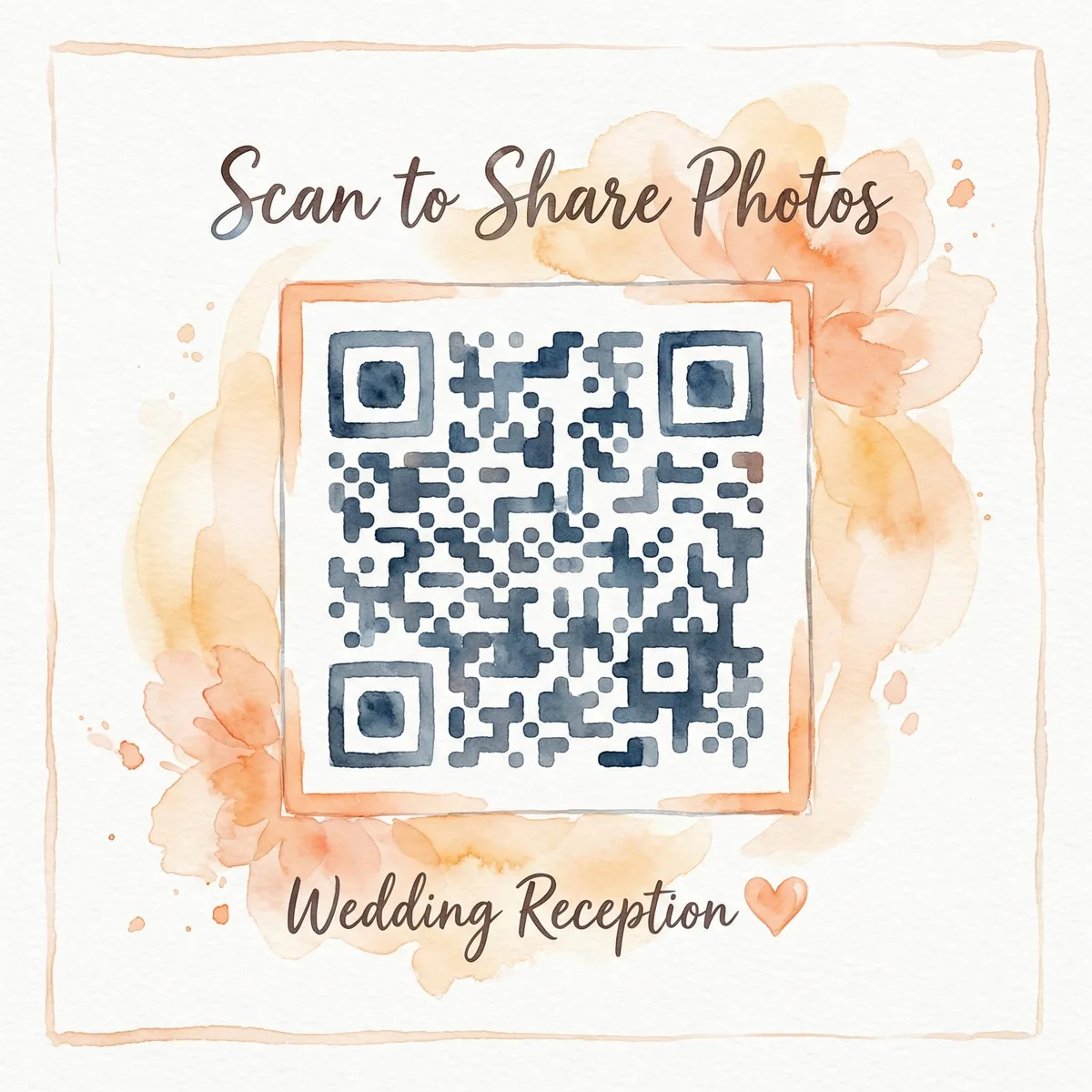
Print it where guests will actually see it
A QR code nobody notices collects nothing. These are the spots that work, with the print size that scans from where people stand.
-
Table cards
One per table, 2 to 3 inches (5 to 8 cm). Guests scan from their seat between courses, then again after the speeches.
-
Welcome sign or easel
4 to 6 inches or larger at the entrance. Everyone walks past it, and the queue gives them time to scan.
-
Invitations
Put the code on the invite and photos start arriving before the day: the dress fitting, the rehearsal dinner, the road trip there.
-
Screens and slides
Drop the code on a slide between speakers, or run the live photo wall with the code in the corner so the wall recruits its own photographers.
-
Name badges and lanyards
For conferences and company events. The code travels with every attendee, so it is there at the dinner and the afterparty too.
Always print the short link under the code. Every event gets one, like knipsmig.com/abc123. It catches the guest with a cracked camera lens, and the relatives who could not come but have photos from the morning.
A QR code for party pictures, wedding photos, and the company offsite
Same code, same guest experience. Each event gets its own, and you can run as many as you like. Pick your occasion for the specifics.
Weddings
One card per table. By the last dance you have the getting-ready photos, the confetti, and the dance floor from every angle.
Birthday parties
Tape the code to the front door or print it on the invite. Photos roll in before the cake is cut.
Corporate events
A code at registration beats the "anyone got photos?" email on Monday. Upload-only mode keeps the gallery curated.
Graduations
Share the code with the whole family. The telephoto shots from the back row and the blurry selfies, all in one place.
Conferences
On badges, screens, and signage. You end up with more photos than a hired photographer could take alone.
Baby showers and reunions
Small parties with the most phones per guest. Everyone takes photos, nobody sends them. The code fixes the second part.
Also: holiday parties, company parties, reunions, engagement parties, and memorials.
QR code photo sharing FAQ
Is QR code photo sharing with Knipsmig really free?
Yes. Create an event, download the QR code, and collect unlimited photo and video uploads from guests at no cost. Free storage lasts 30 days from the event date or creation date, whichever is later. Keepsake costs $29 once to keep one event forever; the $89 Lifetime plan covers all events on your account.
How do I make a QR code for photo sharing?
Create a Knipsmig event, then download the QR code as SVG or PNG from the event dashboard. Print it on table cards, a welcome sign, invitations, or show it on a screen. Guests scan it with their phone camera and land on the upload page for your event.
Do guests need an app or an account?
No. Guests point the built-in camera app at the QR code, tap the link that pops up, pick photos or videos, and upload. There is no app to install, no login, and no account to create.
Does it work on both iPhone and Android?
Yes. Every iPhone and Android phone from the last several years reads QR codes with the normal camera app, and the upload page runs in the phone's browser. No separate scanner app is needed.
Can guests upload videos as well as photos?
Yes. Photos and videos go into the same event gallery, in full resolution, so you can review and download everything in one place afterwards.
Can I use a QR code for party pictures, not just weddings?
Yes. The same code works for birthday parties, baby showers, graduations, reunions, corporate events, and conferences. Each event gets its own QR code, and you can create as many events as you like.
Can guests see each other's photos?
That is your call. Each event has a guest permission setting: guests can view and upload, upload only, or view only. Upload only is a good fit for a corporate event or a surprise party where you want to curate before anyone sees the gallery.
How big should I print the QR code?
Two to three inches (5 to 8 cm) is plenty for table cards that guests scan from their seat. For a welcome sign, poster, or screen, go with 4 to 6 inches or bigger so people can scan from a few steps away. Download the SVG if you need it large, it scales without going blurry.
What if someone cannot scan the code?
Every event also gets a short link, like knipsmig.com/abc123. Print it under the QR code so anyone can type it instead. It is also handy for guests who could not make it and want to add photos from home.
Why not just share a Google Photos album or a WhatsApp group?
Both work, with trade-offs. Google Photos needs contributors to have a Google account and usually the app, and everyone with the link sees everything. WhatsApp compresses photos and videos, and the pictures stay scattered in a chat. A QR code that opens a dedicated upload page removes both problems: nothing to install, full resolution, and one gallery you can download in a single click.
More on collecting guest photos
Guides and alternatives for getting every photo from every phone.
Your QR code is about ten seconds away
Create the event, download the code, print it, and let the gallery fill itself.
Free • No app for guests • Unlimited uploads