What makes a great digital guestbook?
 Peter Theill
You know that book they put on a table at weddings and big events? The one everyone signs on their way in or out? That's the guestbook.
It's a nice idea. But honestly — most of them end up the same. A bunch of names, a few congrats
and so happy for you
messages, and then it sits on a shelf somewhere collecting dust.
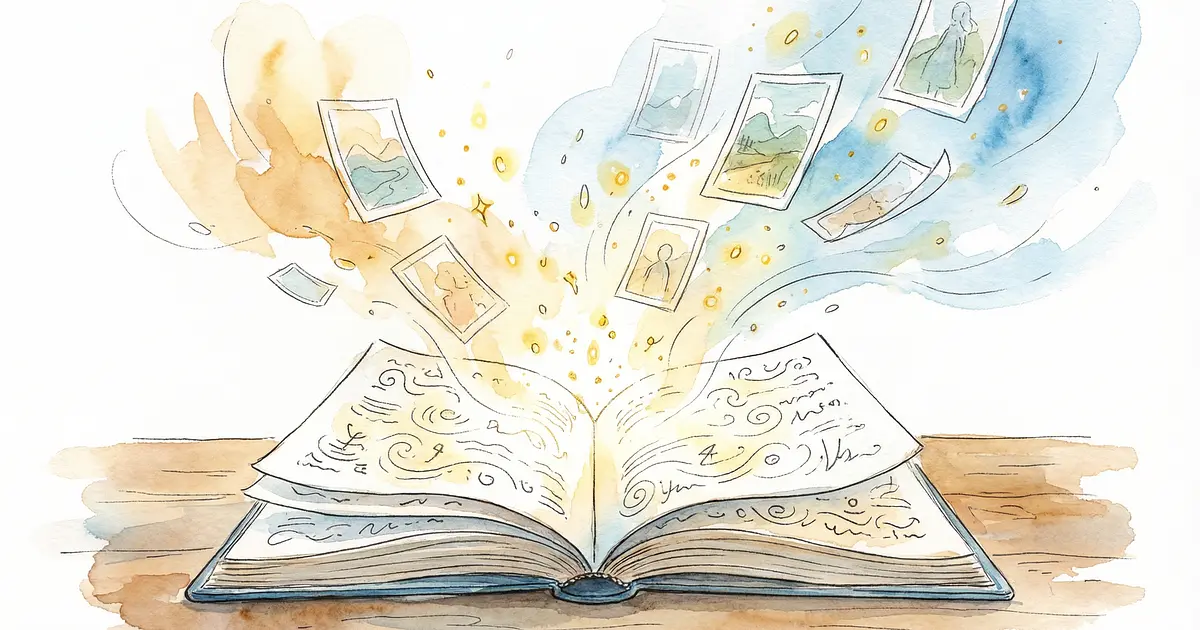
A digital guestbook can be different. Instead of just signatures, guests can actually share moments — a photo from the dance floor, a video message, a longer story about how they know you. Stuff that feels alive when you look back at it.
Why it's worth doing
The best part about a digital guestbook is that it captures the event the way your guests experienced it. Not just who was there, but what they saw.
Someone might message you about the hilarious thing that happened during the speeches. Your cousin might upload that ridiculous photo from the dance floor. A relative who flew in from across the world might record a quick video. These are the things you actually want to remember.
Paper guestbooks give you names. Digital ones give you memories with context.
If the tool supports photos, use it. A message paired with a photo from that exact night hits completely different than text alone. Same goes for video — a 10-second greeting from a family member or friend can be priceless years later.
Keep it simple
Here's the thing: if guests have to download an app, create an account, or figure out some complicated process, most of them won't bother. They're at an event. They're drinking, dancing, and catching up with people. They're not trying to learn new software.
The good ones work like this:
- Scan a QR code
- Drop a message
- Throw in a photo if they want
- Done
Five seconds, tops. That's the bar.
What to look for
If you're picking out a digital guestbook tool, a few things matter more than others.
No login needed. Guests should land on the page and start typing immediately. No accounts, no passwords, no waiting.
Photos. This really does make a difference. A guestbook full of messages is nice. One with photos mixed in is something you'll actually go back to.
Custom touches. Being able to add a welcome message, change some wording, or tweak the look so it fits your event — it doesn't take much, but it's worth it.
Export everything. Whatever tool you choose, make sure you can download all the messages and photos. You don't want your memories locked into a service forever.
Moderation. Depending on the crowd, you might want to review what people post before it goes live. Not every guestbook needs this, but it's good to have the option.
Getting better messages
This is a small thing that makes a big difference: prompt your guests.
A blank text box pulls out Congratulations!
every single time. That's fine, but if you want something more personal, give people a starting point. Instead of Leave a message,
try:
- What's your favorite memory with us?
- What's one thing you want us to remember about tonight?
- Got any advice for the next chapter?
- Throw in a photo while you're at it
The second option pulls out way better responses. It's the difference between signing your name and actually saying something.
Where to put it
Don't hide the QR code. Put it where people are going to see it — entrance, bar area, tables, wherever folks naturally stop and look around.
Keep the instructions short. Something like Scan, message, done
is all you need.
One more thing that often gets overlooked: send the link again the next day. People get caught up in the moment and forget. A quick follow-up the day after usually brings in more messages and photos from people who genuinely meant to contribute but just didn't get around to it.
Paper or digital?
Honestly, you don't have to pick one. A lot of couples do both — a physical guestbook for the signatures and sentimental handwriting, and a digital one for the photos, videos, and longer messages. You get the best of both ends up.
At the end of the day
A good guestbook is one you actually look at again. Not just once, but when you're feeling nostalgic five years from now.
Digital guestbooks make that easier. When it's done right, you're not just saving signatures. You're saving moments.